
The Pre-Publish Technical & Security Checklist for New Websites


Share
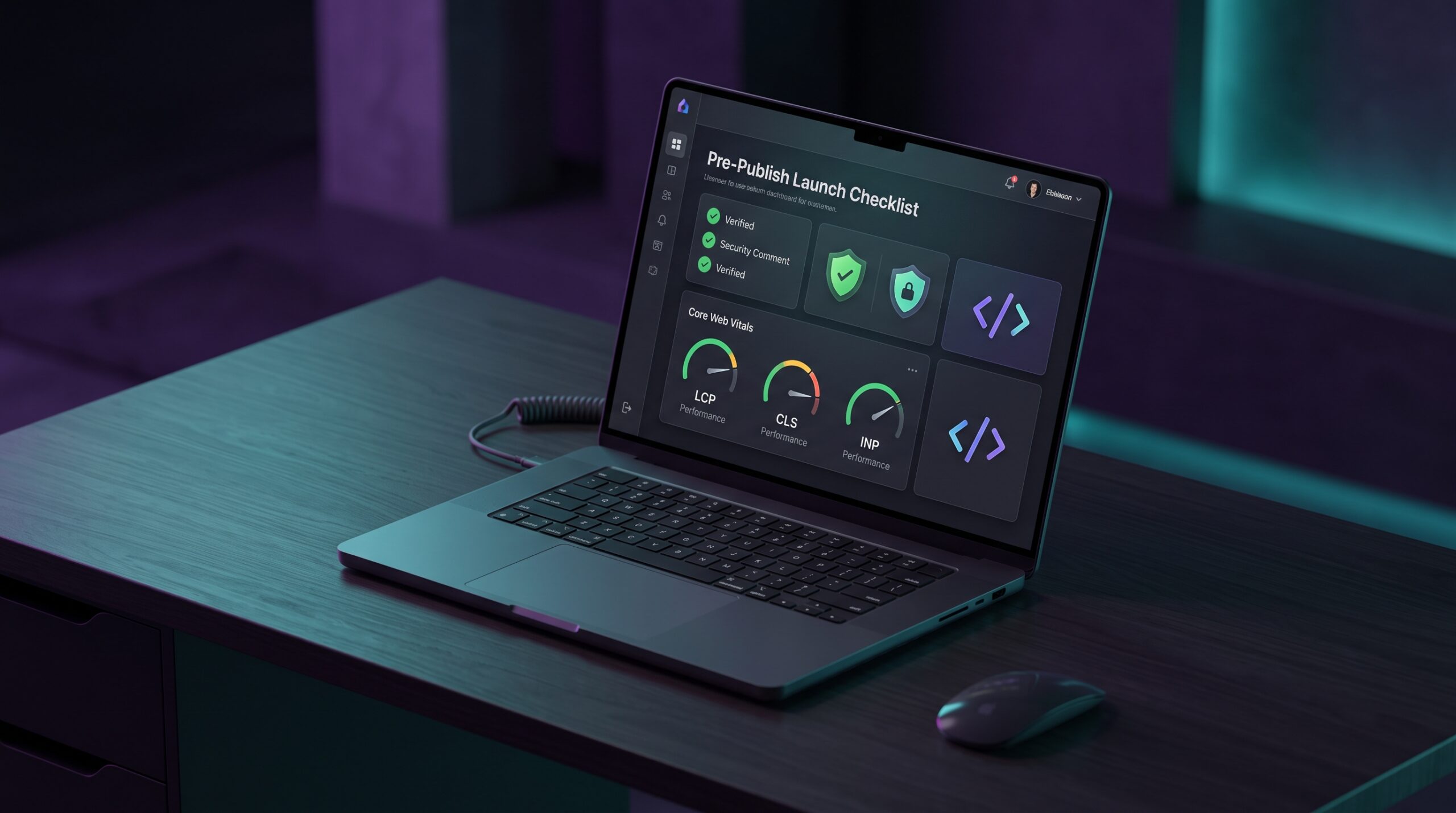


A practical, step-by-step verification guide to catch layout regressions, optimize Core Web Vitals, prevent credential leaks, and secure frontend assets before release.
Every developer who has pushed code to production knows the sudden pit in the stomach when an unexpected bug pops up right after release. It might be a 5MB hero banner that slipped past review, wrecking your Largest Contentful Paint (LCP) score. It could be a broken OpenGraph tag that makes links shared on LinkedIn or Slack show an empty gray box. Or worse, an unescaped environment variable might leave a private staging API key visible in the public JavaScript bundle.
Automated CI/CD pipelines and unit tests are great for catching broken application logic, but they almost never spot visual layout shifts, uncompressed media files, broken social preview cards, or missing security headers. This pre-publish checklist serves as a practical, human-focused quality gate you can run through before pointing DNS or announcing your site to the world.
1. Media Assets and Core Web Vitals Optimization
Unoptimized media is still the number one cause of slow websites and low Google PageSpeed scores. Auditing your media before deployment yields the fastest, most noticeable performance gains.
A. Convert Heavy Images to Modern WebP or AVIF Formats
Raw PNG screenshots and high-resolution JPEGs regularly weigh between 2MB and 8MB. Converting them to WebP at quality level 75–80 typically trims 60% to 75% of the file size without any visible drop in quality. For vector icons and logos, run SVGs through an optimizer to strip out editor metadata, hidden layers, and unnecessary XML namespaces.
B. Declare Explicit Image Dimensions to Prevent Cumulative Layout Shift (CLS)
To eliminate layout jumping while a page loads, always specify explicit width and height attributes or use modern CSS aspect-ratio properties on all image and video tags. Setting dimensions upfront allows the browser to reserve the exact layout space before the image file finishes downloading.
C. Implement Responsive Markup and Native Lazy Loading
Use standard responsive picture elements with srcset attributes so mobile devices don’t download desktop-sized assets. Add loading=”lazy” and decoding=”async” to below-the-fold media, while reserving fetchpriority=”high” strictly for your primary above-the-fold hero graphic.
2. OpenGraph, Meta Tags, and Social Preview Cards
When visitors, journalists, or prospective clients share your URL across platforms like X (Twitter), LinkedIn, Discord, or WhatsApp, your OpenGraph metadata determines how the link appears. A broken card immediately damages click-through rates and perceived credibility.
Essential Social Preview Tags Before Launch
- og:title: Keep it under 60 characters so it fits on mobile screens without awkward truncation.
- og:description: A crisp 140–160 character summary that explains what the page delivers.
- og:image: A crisp 1200 x 630 pixel graphic hosted on an absolute HTTPS URL.
- twitter:card: Set to summary_large_image to render a prominent, high-engagement visual preview.
- Robots meta tags: Ensure staging directives like noindex, nofollow are removed from production environment builds.
Pre-Flight OpenGraph Testing Workflow
Before announcing your release, paste your live URL into official card debuggers (such as Twitter Card Validator and Facebook Sharing Debugger) to ensure the cache is warm and previews render consistently in both light and dark modes.
3. Data Integrity, Code Hygiene, and Security Verification
Launch security issues rarely stem from sophisticated exploits; they almost always happen because of accidental credential leaks or unvalidated data structures.
A. Validate JSON Schemas and Structured Data
Search engines rely on structured JSON-LD schemas (such as WebSite, SoftwareApplication, and Organization) to generate rich search snippets. A single missing comma or unescaped quote can break the parser. Validate all schema markup before launch.
B. Scrub Staging Secrets and Private Environment Variables
Inspect production JavaScript bundles to make sure no development database credentials, secret webhook tokens, or private Stripe keys accidentally leaked into client-accessible files. Only public publishable keys should ever exist in frontend bundles.
C. Validate String Encoding and Input Formatting
Ensure URLs, query parameters, and Base64 assets are properly sanitized and encoded. Using open, privacy-first developer suites like toolifyhub.tools allows teams to quickly validate JSON payloads, generate hashes, and format data locally in the browser without uploading proprietary client data to remote servers.
4. Web Font Delivery and Typography Performance
Custom typography gives a site personality, but unoptimized font files can cause noticeable layout shifts (FOUT) or invisible text flashes (FOIT).
Practical Font Optimization Tactics
- Serve WOFF2 Only: WOFF2 provides superior compression compared to older TTF or WOFF formats.
- Preload Critical Body Fonts: Add a rel=”preload” tag in your HTML head for the primary body font to eliminate render blocking.
- Set font-display: swap: Ensure text remains readable immediately while custom web fonts finish loading in the background.
- Subset Glyphs: Strip out unused languages and symbol sets to reduce font file size by up to 70%.
5. Zero-Server In-Browser Utilities in Pre-Flight QA
Traditionally, developers relied on random ad-heavy cloud converter websites to resize graphics, format code, or inspect certificates. However, uploading proprietary code, client contracts, or unreleased graphics introduces significant privacy and compliance risks.
Core Advantages of Client-Side Web Utilities
- Zero Network Latency: Processing happens directly in your browser memory via WebAssembly and HTML5 Canvas, with zero network roundtrips.
- Strict Privacy and Compliance: Files never leave your local machine, ensuring full compliance with NDAs and privacy standards like GDPR.
- No Arbitrary File Limits: Because transformations run on your own CPU and RAM, you avoid subscription paywalls and daily upload queues.
6. Viewport Testing and Cross-Device Layout Verification
Resizing your desktop browser window is not enough to verify responsive behavior. Test your release across four real-world viewport categories:
- Compact Mobile (320px–375px): Check small devices (iPhone SE, smaller Android phones); verify that modals, navigation menus, and tables never trigger horizontal scrolling.
- Mainstream Mobile (375px–430px): Confirm touch targets are at least 48x48px and form fields do not cause unwanted auto-zoom on focus.
- Tablets and Foldables (768px–1024px): Test both portrait and landscape modes to ensure grid columns reflow cleanly without awkward line wraps.
- Ultra-Wide Desktops (1440px+): Ensure maximum container boundaries keep line lengths comfortable for reading.
7. The 10-Point Pre-Flight Deployment Checklist
Run through this verification matrix right before pointing your domain or releasing to production:
|
Check Item |
Verification Goal |
Status |
|
1. Image Compression |
Hero images under 150KB in WebP/AVIF format with fetchpriority=”high” |
[ ] Verified |
|
2. Layout Stability (CLS) |
Explicit width/height or CSS aspect-ratio on all media elements |
[ ] Verified |
|
3. Social Cards (OG) |
Valid og:title, description, and 1200x630px preview image |
[ ] Verified |
|
4. Indexing & Canonical |
Self-referencing canonical URL; staging noindex headers removed |
[ ] Verified |
|
5. Favicon Package |
Complete bundle: 16px, 32px, 180px Apple touch, and webmanifest |
[ ] Verified |
|
6. Console & Network |
Zero unhandled JavaScript errors; zero broken 404 assets |
[ ] Verified |
|
7. Form Validation |
Clear input labels, inline validation, and accessible error states |
[ ] Verified |
|
8. Secret Auditing |
Zero private API keys or database connection strings in public bundles |
[ ] Verified |
|
9. Responsive Viewports |
Verified clean display at 320px, 375px, 768px, and 1440px+ |
[ ] Verified |
|
10. Accessibility (a11y) |
Meaningful alt text, valid HTML5 semantic tags, visible focus outlines |
[ ] Verified |
Conclusion
A structured pre-publish verification process turns deployment from a stressful gamble into a predictable, routine workflow. By taking fifteen minutes to audit media sizes, verify social cards, and test payloads before release, you protect your brand, improve search visibility, and ensure your visitors enjoy a fast, reliable web experience from minute one.