BloodHound for Beginners: How Attackers Map Active Directory to Find the Path to Domain Admin

Share
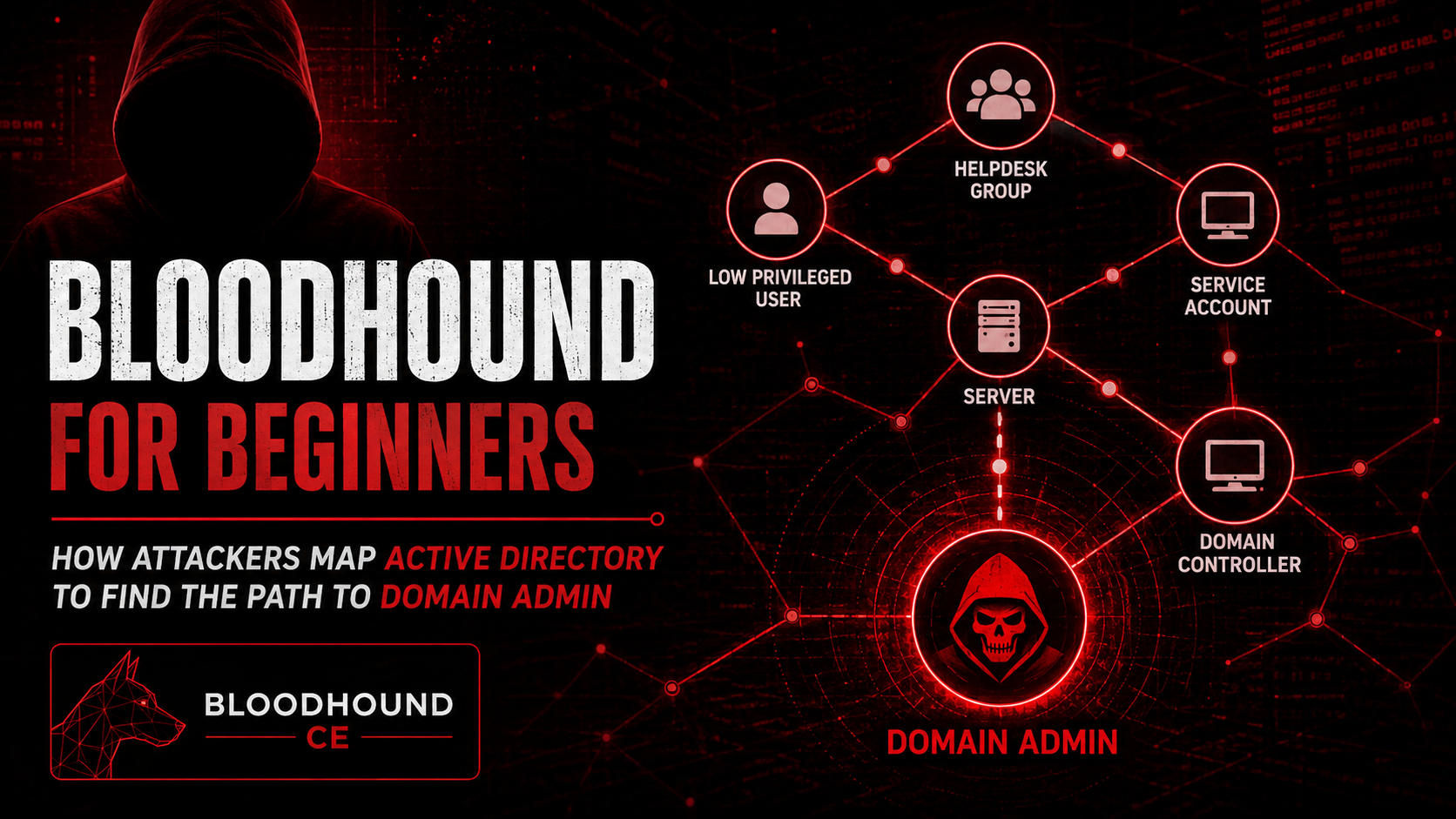
Imagine handing an attacker a detailed map of your entire network — every user, every computer, every permission — with the shortest route to full control already highlighted. That’s essentially what BloodHound CE does, and it takes less than ten minutes to run.
BloodHound CE (Community Edition) is a free, open-source tool used by penetration testers and red teams worldwide to analyze Active Directory environments. It collects relationship data between users, groups, computers, and permissions, then turns that data into a visual graph that shows exactly how an attacker could move from a low-privileged account to full domain control.
What makes it dangerous — and powerful for defenders — is that the attack paths it finds are built entirely from legitimate, intended features of Active Directory. No exploits needed. Just misconfiguration.
Key Points
- BloodHound CE is a free tool that visualizes Active Directory attack paths in minutes
- Attackers use SharpHound to silently collect AD data before loading it into BloodHound CE
- Most organizations have exploitable paths to Domain Admin without knowing it
- Three BloodHound queries alone can expose the most critical risks in any environment
- Defenders can use the same tool to find, detect, and eliminate privilege escalation paths
What Is Active Directory and Why Is It a Target?
Active Directory is the identity and access management backbone of most enterprise environments. It controls who can log in, what they can access, and how permissions flow across the network.
The problem is complexity. Over time, AD accumulates years of inherited permissions, legacy settings, and overlooked configurations. Administrators rarely audit them. Attackers rely on this.
AD privilege escalation — moving from a standard user account to Domain Admin — is the goal of nearly every enterprise attack. BloodHound CE makes finding that path trivial.
What Is BloodHound CE?
BloodHound CE is the actively maintained version of BloodHound, released in 2023 to replace the original. It features a modern web-based interface and improved analysis capabilities over the older version.
It works in two steps:
- Data collection with SharpHound
SharpHound is the data collector that runs inside the target environment. It queries Active Directory for group memberships, session data, ACL permissions, trust relationships, and more. A full collection typically takes just a few minutes, even in large environments, and does not require elevated privileges to start.
SharpHound outputs a ZIP file containing JSON data that is then imported into BloodHound CE for analysis.
- Visualization and analysis in BloodHound CE
Once the data is loaded, BloodHound CE renders the entire AD environment as an interactive graph. Analysts — or attackers — can then run queries to find attack paths.
For a deeper technical breakdown of how BloodHound CE works in real penetration tests, including setup and configuration, check out this complete BloodHound guide on Hackita.complete BloodHound guide on Hackita
The 3 BloodHound Queries Every Security Team Should Run
These are the most commonly used queries in BloodHound CE — both by attackers and by defenders during AD security reviews:
- Find Shortest Paths to Domain Admin
The most powerful query in BloodHound CE. It calculates the shortest chain of relationships between any object in the domain and the Domain Admins group. In most real-world environments, this returns results immediately — often through paths no administrator realized existed.
- Find All Kerberoastable Users
This query identifies all accounts with a Service Principal Name (SPN) set. These accounts are vulnerable to Kerberoasting — an attack where any domain user can request their encrypted service ticket and attempt to crack the password offline. Service accounts with weak passwords are a goldmine.
- Find Principals with DCSync Rights
DCSync is the ability to replicate password hashes directly from a Domain Controller, effectively giving an attacker every credential in the domain. This query finds every account that has been granted this right — sometimes unintentionally.
How Attackers Use BloodHound CE in Practice
In a real attack scenario, the sequence typically looks like this:
- The attacker gains initial access — through phishing, a vulnerable web application, or a stolen credential
- SharpHound is executed as the compromised user, collecting AD data silently
- The data is exfiltrated and loaded into BloodHound CE
- The attacker runs the shortest path query and identifies a chain of ACL misconfigurations or group memberships leading to Domain Admin
- Each hop in the chain is exploited — resetting a password here, abusing a delegation there — until Domain Admin is reached
The entire process, from initial access to Domain Admin, can take under an hour in a misconfigured environment.
Detection: How to Identify BloodHound Activity
SharpHound’s data collection generates specific patterns in Windows event logs that security teams can monitor:
- LDAP enumeration spikes: SharpHound performs large volumes of LDAP queries in a short time window. Baseline your environment and alert on anomalies.
- Event ID 4662: Triggered when operations are performed on AD objects. Best used with decoy/honey accounts configured in AD — without them, this event generates too much noise in large environments to be actionable on its own.
- Event ID 4769: Kerberos service ticket requests. A spike in TGS requests across many services from a single account is a classic Kerberoasting indicator — and also appears during SharpHound collection.
- SMB session enumeration: SharpHound enumerates active sessions across domain computers. This generates SMB traffic that modern EDR and NDR tools can flag.
Platforms like Microsoft Defender for Identity include built-in detections for BloodHound-style enumeration and will alert on suspicious LDAP query patterns automatically.
Hardening: How to Eliminate Attack Paths
Clean up ACL misconfigurations. Review permissions on high-value objects — Domain Admins, Enterprise Admins, Domain Controllers. Remove any GenericAll, WriteDACL, or ForceChangePassword rights that cannot be explicitly justified.
Eliminate Kerberoastable accounts. Audit all accounts with SPNs. Replace service accounts with Group Managed Service Accounts (gMSA), which use long, automatically rotated passwords that cannot be cracked offline.
Remove unnecessary DCSync rights. Only Domain Controllers should have replication rights. Audit and remove this permission from any user or service account that does not strictly require it.
Limit unconstrained delegation. Replace unconstrained delegation with constrained or Resource-Based Constrained Delegation (RBCD) wherever possible.
Run BloodHound CE regularly. Active Directory changes constantly. A user added to the wrong group today can open a new path to Domain Admin tomorrow. Treat BloodHound CE as a continuous monitoring tool, not a one-time audit.
Conclusion
BloodHound CE has changed the way both attackers and defenders approach Active Directory security. What once required days of manual analysis now takes minutes — and the results are often alarming, even for experienced administrators.
The paths to Domain Admin that BloodHound CE finds are not the result of sophisticated exploits. They are the result of years of accumulated misconfiguration. Finding them, detecting collection attempts, and systematically eliminating them is the most effective thing most organizations can do to improve their AD security posture.
Run BloodHound CE on your own environment before an attacker does. The map already exists — the question is who reads it first.
FAQs
Is BloodHound CE legal to use? Yes. BloodHound CE is a legitimate security tool used by penetration testers, red teams, and defenders worldwide. Using it on your own network or with explicit written authorization is completely legal.
What is the difference between BloodHound and BloodHound CE? BloodHound CE is the actively maintained open-source version released in 2023. It replaced the original BloodHound and includes a modern web-based interface, improved performance, and better support for Azure and Entra ID environments.
Can attackers use SharpHound without being detected? SharpHound can be detected by modern EDR and SIEM solutions, but many organizations do not have the right rules in place. This is precisely why proactive use by defenders is so important.
Do I need admin rights to run SharpHound? No. A standard domain user account is sufficient to collect most of the data BloodHound CE needs to build attack paths. This is one of the reasons it is so dangerous in the wrong hands.
How often should I run BloodHound CE? At minimum, after any significant change to your Active Directory — new hires, group changes, delegation updates. Ideally, on a continuous or weekly basis as part of your regular security hygiene.